Textrude.io / Metallic lettering
Chrome Text Generator
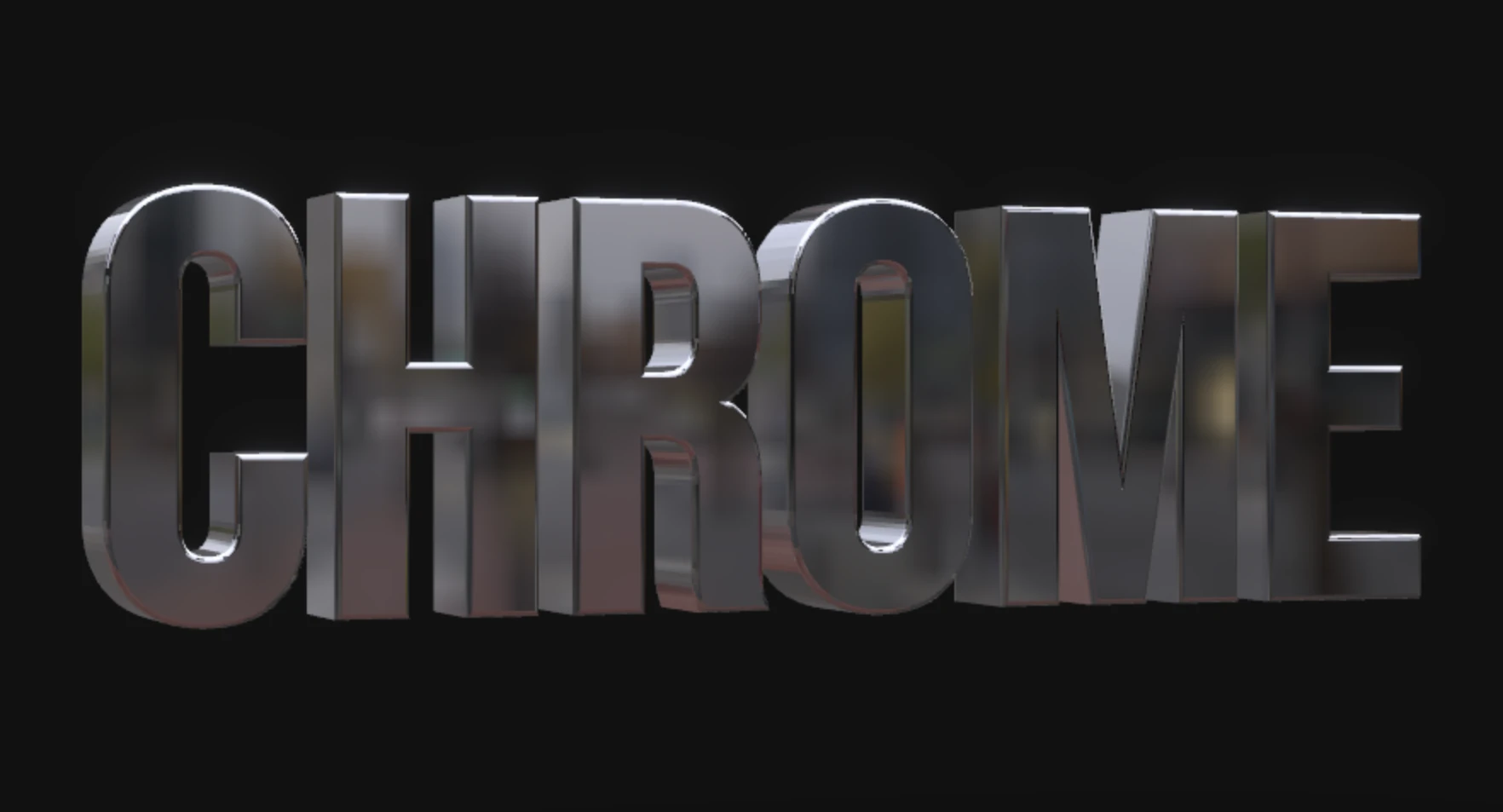
Reflective 3D lettering for posters, cover art and Y2K-inspired titles. Start with an editable chrome example, then make it your own.
Create chrome textFree · no signup · PNG, MP4 and GIF
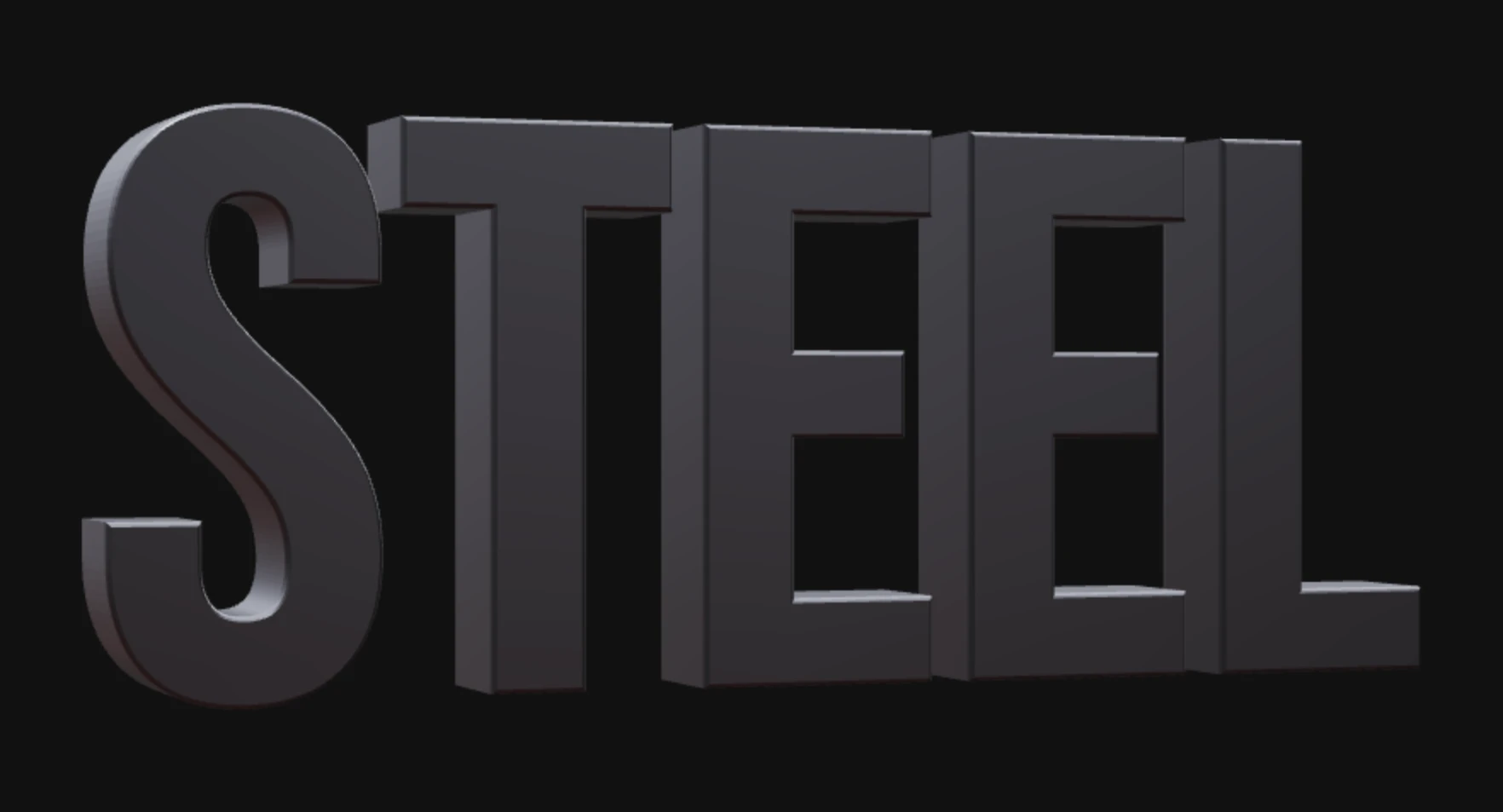
Two metallic starting points
How to make chrome text online
- Choose a word and font. Open an example and replace the text. Wide, bold letters leave more room for visible reflections; narrow fonts can make the effect subtler.
- Set depth and edges. Start at the Chrome Hero depth of 20. More extrusion reveals side faces; rounded or soft edges catch a wider highlight.
- Tune the view and light. Rotate the text or drag the scene to inspect reflections. Adjust exposure gradually; too much can wash out the bright edges. Chrome uses metalness 1 and roughness 0.05; Brushed Steel uses roughness 0.35 for softer reflections.
- Download your artwork. Pick an aspect ratio and PNG scale, then select Export PNG. For a rotating clip, choose Record Video and an available format and resolution.
Chrome text on a transparent background
The background you see while designing is separate from PNG transparency. Turn on the α switch beside the PNG scale options, then select Export PNG. This removes the backdrop and ground from the downloaded image, while preserving material reflections. Transparent capture omits post-processing, so bloom can differ from the preview.
Place the PNG over your own design. Choose a larger scale before export if you need more output pixels; scaling does not change the underlying scene geometry. Transparency applies to PNG, not the MP4/GIF workflow.
Use the PNG in PhotoshopChrome text questions
Why does chrome look dark?
Metal reflects its environment rather than behaving like a flat gray fill. Try a different camera angle and increase exposure gently. A dark background helps separate bright edges; a lighter background may suit darker letters.
Can I change the metallic color?
Yes. The text color control tints the material. For a warmer starting point, choose Gold Luxury from the material style menu.
Is this an editable 3D model download?
No. Textrude exports rendered PNG images and MP4/GIF clips, not OBJ, STL or GLB models. Your scene stays editable through its shared editor URL.