Free browser based 3D lettering
Metallic Text Generator
Make steel, dark chrome, and reflective metal lettering with real 3D depth. Compare material presets in one editor instead of rebuilding the same word in separate tools.
Make metallic text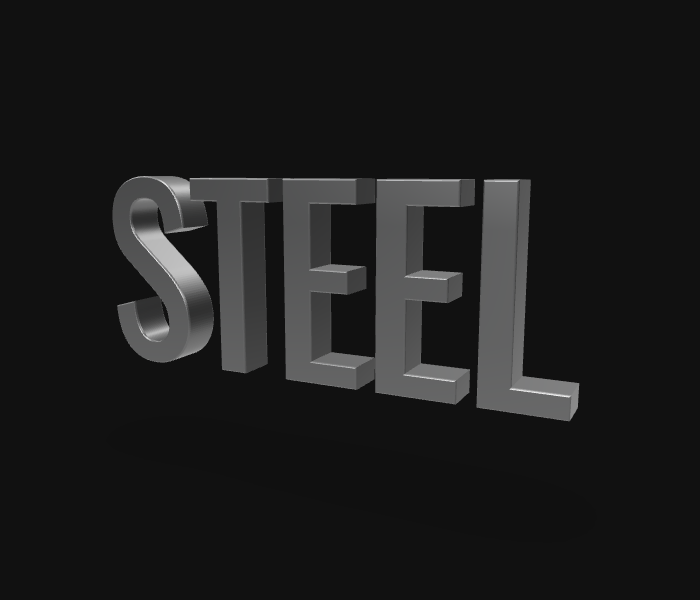
How to make it
Choose the metal
Brushed Steel gives a rougher industrial finish. Dark Chrome is subdued; Chrome Hero produces stronger mirror highlights.
Shape the letters
Use a bold font and adjust bevel, depth, lighting angle, and camera to show the side surfaces.
Export a render or mesh
PNG captures the designed scene. GLB exports the letter geometry and portable material for further work in a 3D application.
Practical tips
Why metal may look flat
Metal reflects its surroundings. Change the camera or lighting before increasing exposure; a dark environment can make the material appear nearly black.
Which preset to use
Pick Brushed Steel for restrained product graphics, Chrome Hero for bright highlights, and Dark Chrome for moody titles.